
How to proofread a dissertation: the short workflow
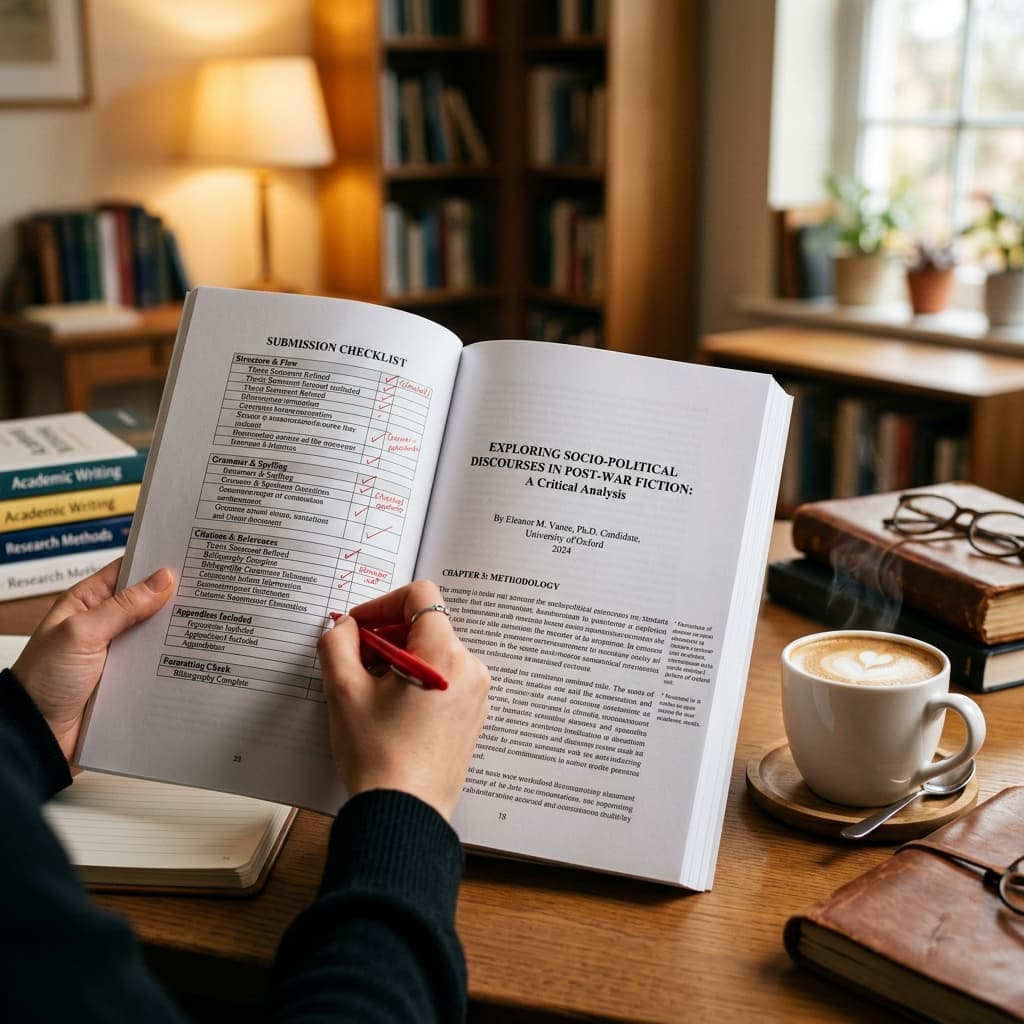
To proofread a dissertation, freeze the content first, create a realistic schedule, then work in separate passes: chapter consistency, language, formatting, references, tables and figures, appendices, software-generated fields, and the final exported file. Do not ask one read-through to solve every problem.
This guide explains the process. When you need a shorter final control sheet, use the master's dissertation proofreading checklist. If the document is a doctoral thesis with cross-chapter contribution and repository checks, use the PhD thesis proofreading checklist as the final pass.
Workflow rule
Schedule backwards from the deadline and leave time after proofreading for author review, final formatting, PDF inspection, technical upload, and backup copies.
1. Begin after the dissertation content is stable
Proofreading works best after major supervisor revisions, chapter movement, data changes, and conclusion edits are complete. You can tidy language while drafting, but the final systematic proofread should happen when the dissertation is no longer changing substantially.
If you still need to reorganize sections, strengthen the argument, or rewrite substantial passages, consider thesis editing before proofreading. Polishing sentences too early often creates repeated work when sections later move or disappear.
2. Freeze the content and create a working copy
Save an unchanged master file before proofreading begins. Then create a dated working copy for corrections. Keep your university formatting guide, supervisor notes, required citation style, ethics material, appendices, and final submission instructions in the same folder.
Decide how you will handle Track Changes, comments, accepted changes, and version names. A clear file workflow prevents last-minute confusion about which version is approved for upload.
- Keep one untouched master copy.
- Use dated file names for working drafts.
- Record unresolved author questions in comments or a separate notes file.
- Do not accept all changes until you have reviewed meaning and formatting.
3. Build a proofreading schedule backwards from the deadline
A dissertation proofreading schedule needs more than reading time. Include time for corrections, author decisions, supervisor questions, formatting fixes, PDF export, upload testing, and backup copies. Long documents also require rest breaks because fatigue makes errors easier to miss.
If your deadline is close, choose the highest-risk passes first: university rules, references, tables, figures, abstract, conclusion, and final file checks. Use the pricing calculator only after the word count and scope are stable.
| Time available | Best use |
|---|---|
| 2-3 weeks | Complete every pass with rest days, author review, and final PDF inspection. |
| 1 week | Prioritize chapter consistency, language, references, formatting, and final file checks. |
| 48 hours | Focus on mechanical errors, required formatting, reference mismatches, captions, abstract, and upload file. |
4. Proofread chapter by chapter before checking small errors
Read each chapter for purpose and continuity before grammar. The introduction, methods, findings, discussion, and conclusion should describe the same study at the right level of certainty. Chapter openings and endings should guide the reader through the dissertation rather than standing as isolated essays.
Search for old terminology, obsolete research-question wording, duplicated explanations, inconsistent sample labels, and claims that changed during revision. Leave author comments where a factual or methodological decision is needed.
5. Run separate language passes for grammar, clarity, and tone
Read once for grammar and punctuation, then again for clarity and tone. Long dissertation sentences often hide missing verbs, unclear subjects, comma splices, weak transitions, repeated words, or claims that overstate the evidence.
Academic tone should be precise and cautious. Define abbreviations on first use, keep technical terms consistent, and make sure words such as “this,” “it,” and “they” clearly refer to the right idea.
- Search for your common errors instead of relying only on spell-check.
- Read headings, footnotes, captions, table cells, and appendices as carefully as body text.
- Check UK or US English consistency according to the university rules.
- Review every software suggestion before accepting it.
6. Complete a separate formatting pass
Use your institution's current formatting guide, not memory or another student's file. Check margins, font, line spacing, page numbering, title page wording, declaration pages, contents lists, heading styles, appendices, and required file format.
If your file has many section breaks, tables, figures, or reference lists, formatting can shift during final edits. Our document formatting service can support submission-ready presentation when the rules are detailed.
7. Match references and citations in both directions
Every in-text citation should match a reference-list entry, and every reference-list entry should be used unless your required style permits uncited bibliography entries. Check author names, years, title capitalization, journal details, page ranges, DOIs, URLs, and access dates where required.
Do not assume reference software has produced perfect output. Imported fields, capitalization, edition details, and source types are often wrong. Your university or department requirements should override general examples when they conflict.
8. Inspect tables, figures, headings, and appendices
Tables and figures need their own proofread. Check numbering, captions, legends, axis labels, units, source notes, significance markers, and every in-text callout. A figure mentioned as Figure 4.2 should still be Figure 4.2 after final edits.
Refresh the table of contents, list of figures, and list of tables only after headings and captions are final. Then inspect appendices to confirm labels, order, formatting, permissions, and cross-references are still correct.
9. Use Word tools, spell-checking, and AI cautiously
Microsoft Word tools can help locate repeated spaces, inconsistent capitalization, broken fields, unresolved comments, spelling variants, and accessibility issues. Update fields and generated lists only when headings, captions, and pagination are stable.
Spell-checking and AI tools can flag possible problems, but they may misunderstand specialist terms, change the intended meaning, or miss document-wide inconsistencies. Treat suggestions as prompts for human review, not automatic corrections.
10. Get a second human review before the final file
After months with the same dissertation, familiar errors become hard to see. A peer, supervisor, mentor, or professional proofreader can notice missing words, awkward phrasing, formatting slips, and inconsistencies your own brain now corrects automatically.
For a paid final review, our dissertation proofreading service can check language, consistency, formatting, references, tables, figures, and presentation before submission.
11. Review the final PDF and upload package
The editable document is not always the submitted document. Export the exact file required by your institution, then inspect every page. Check page breaks, blank pages, fonts, equations, symbols, table widths, figure resolution, hyperlinks, bookmarks, file size, filename, and repository or upload form fields.
When the final file is approved, keep an unchanged copy of the submitted PDF, the final editable source file, and any confirmation receipts. Then use the 15-point dissertation proofreading checklist as a final control sheet.
Questions about this topic
How many times should I proofread my dissertation?
Proofread in multiple passes rather than one long reading. Complete separate checks for chapter consistency, grammar, clarity, references, formatting, tables and figures, appendices, software-generated fields, and the final exported file.
Should I proofread before or after formatting?
Do a language proofread after content is final, then complete formatting checks near the end. After formatting and PDF export, inspect the final file again because conversion can introduce layout problems.
Can a professional proofreader check dissertation references?
A proofreader can check consistency, missing details, citation-reference matching, and style presentation within the supplied document. Full source verification is a separate task and should be agreed before work begins.
What is the difference between dissertation editing and proofreading?
Dissertation editing improves structure, argument flow, academic tone, clarity, and sentence construction. Dissertation proofreading is the final check for grammar, punctuation, references, formatting, and presentation after major revisions are complete.
Can I use AI to proofread a dissertation?
AI can be useful for prompts and possible language issues, but it can alter meaning, misunderstand specialist terms, or miss document-wide consistency. Review every suggestion yourself and avoid uploading confidential or restricted material to tools your institution does not permit.